
Navigate to settings
Android
Application Settings
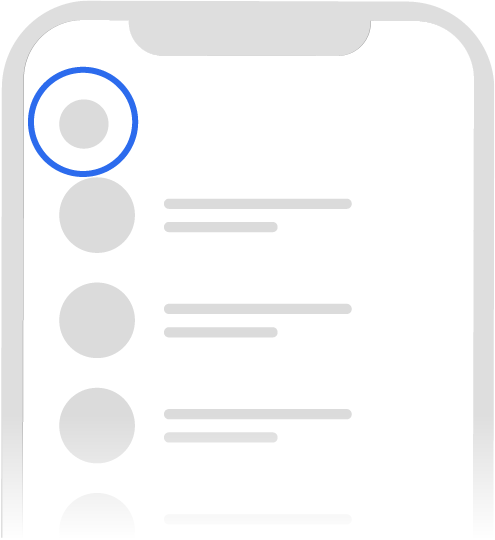
- In Signal, tap your profile
 to view Signal Settings.
Chat Settings
- Open the chat with your contact.
- Tap the contact name or header to view chat settings.

iOS
Application Settings
- In Signal, tap your profile to view Signal Settings.
Chat Settings
- Open the chat with your contact.
- Tap the contact name or header to view chat settings.
Desktop
Application Settings
- Click
 to view Signal Settings.
Chat Settings
- View the chat with your contact.
- Click ... to view chat settings.