
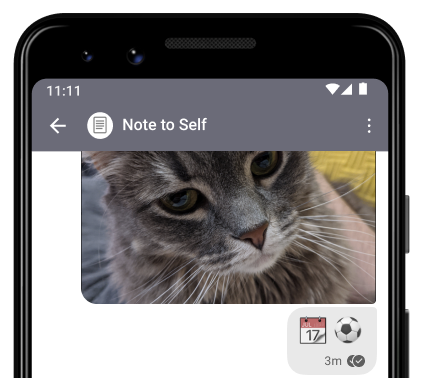
Who is Note to Self?
- This contact entry is a chat to send messages to yourself.
- Use this feature to jot down a note for yourself to review later or to share messages and files with your linked devices.
- All messages in Note to Self are end-to-end encrypted Signal messages.
- Yes, you can send disappearing messages to yourself. The timer starts immediately.
Here's how to start a Note to Self on:
Android
- In Signal, tap compose
 to view your Signal contact list.
- Search and select the contact entry Note to Self.
- Tap Signal message to type a message or
 to select a file.

- Tap the blue send icon with a closed lock
 to send.
iOS
- In Signal, tap compose
 to view your Signal contact list.
- Search and select the contact entry Note to Self.
- Tap New Message to type a message or
 to select a file.

- Tap
 to send.
Desktop
- In Signal, select Search:

- Enter the contact entry Note to Self.
- Select the chat. It will appear in the right pane.
- Select Send a message to type a message or to select a file.

- To send, press Enter.