
Why store your Signal recovery key in Google Password Manager?
Your Signal recovery key is the only way to restore your encrypted chat backup, and Signal can't recover it for you. It's too long to memorize, so it needs a safe home. With on-device encryption turned on, Google Password Manager locks it with a key only you hold, so no one else can read it.
What are the Account Identifier and Signal recovery key?
The account identifier will be your “Signal Login”. The recovery key is a 64-character key generated on your device to restore your backup. When you create it, it isn't shared with Signal. Without it, no one, including Signal, can restore your backup.
How do I set it up?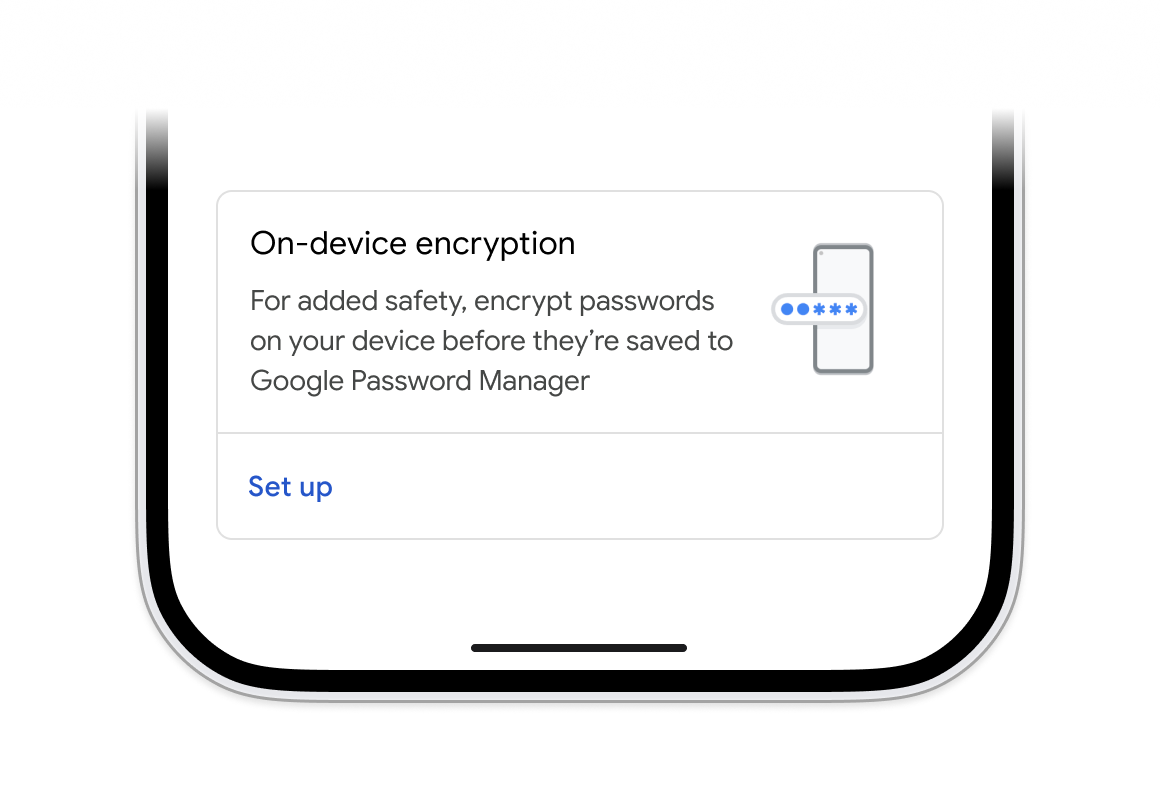
- Turn on on-device encryption. Go to passwords.google.com > Settings > On-Device Encryption > Set up.
- In Chrome, go to Settings > Autofill and passwords > Google Password Manager > Settings > On-device encryption.
- Get your Signal key. In Signal, go to Settings > Backups > Setup > Enable Backups, then record and confirm the key.
- Save the key and identifier to Google Password Manager, and write down an offline copy if you'd like.
Does this protect my Signal messages?
No. It protects only the saved key and identifier. Signal's own end-to-end encryption protects your messages.
What if I lose access?
Use another signed-in device, or your offline copy. If you have neither, Signal can not recover the backup for you, though you can still use Signal without your old chat history.
Still need help?
Please see Google's FAQ page for more details on on-device encryption.