
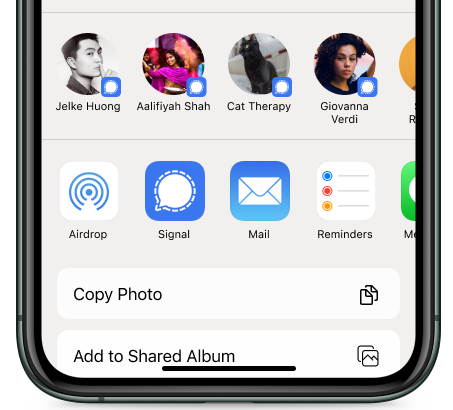
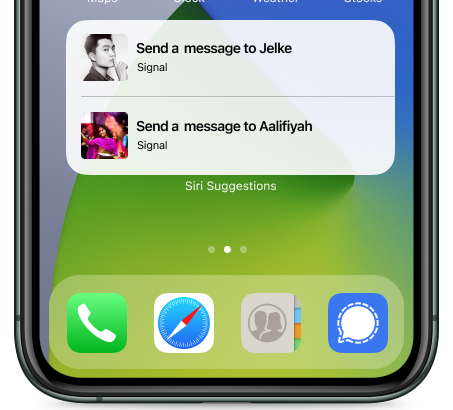
Send messages directly to your contacts using suggestions.
Steps to enable:
- On your iOS device, go to
 iPhone Settings > Siri & Search > enable Suggestions while Searching, Suggestions on Home Screen, and Suggestions when Sharing
- On your iOS device, go to Signal Settings
 > Chats > Share Contacts with iOS
What happens when this is enabled:
Your device shows a recent Signal contact when sharing from other apps and in Siri Suggestions.
Steps to disable:
- On your iOS device, go to Signal Settings > Chats> disable Share Contacts with iOS where the slider has a grey background.
Need Help?
What do I do if Signal does not appear in the app list when sharing from other apps?
- Restart your phone. Note: Update your phone's iOS version to prevent this from happening again.
- Scroll through to the end of the list of apps to select More..., then tap Edit at the top, and enable Signal and re-order the list for Signal to appear under Favorites.