
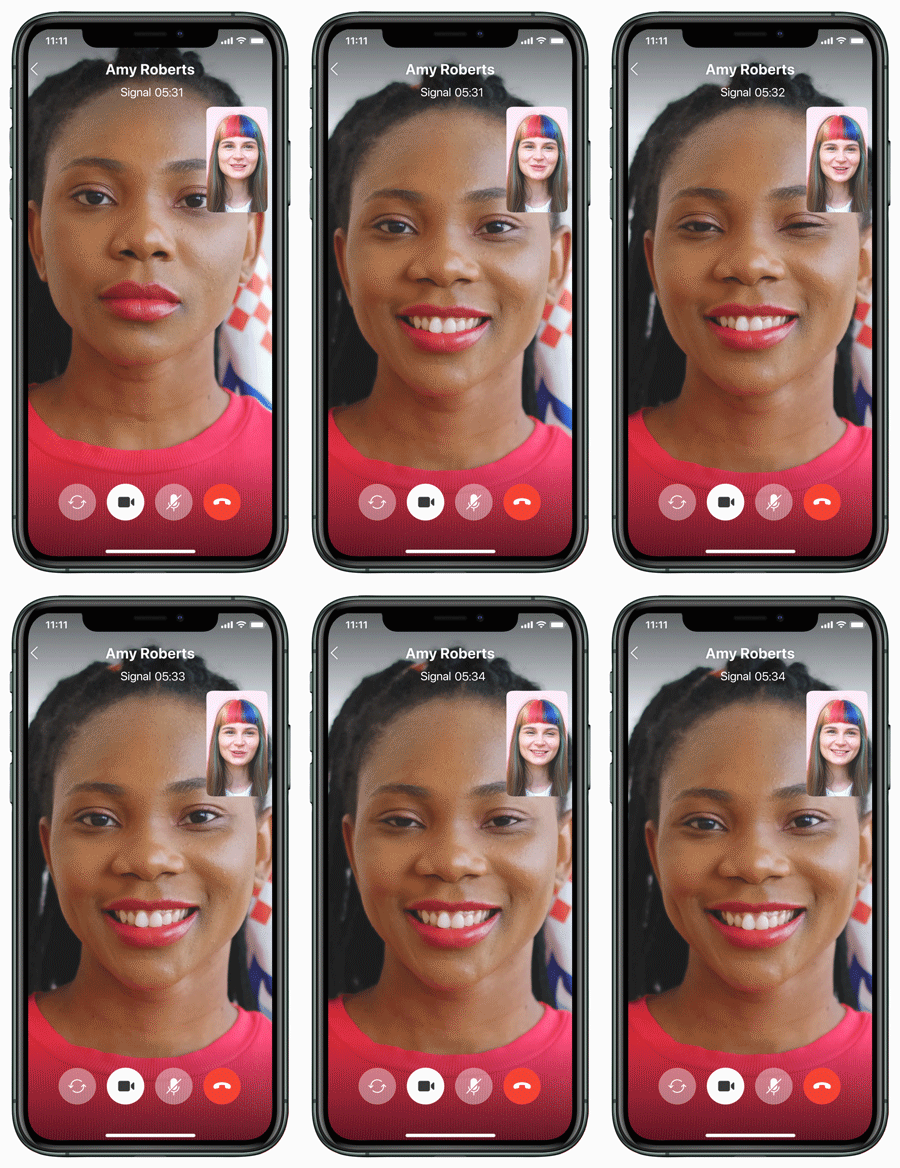
Like all Signal messages, voice and video calls are private too. You will be prompted to grant the Camera and Microphone permissions the first time you make or receive a Signal call.
Here's how to start an encrypted one-to-one voice or video call:
- In Signal, tap
 or
 to view your Signal contact list.
- Select a contact or enter a number to open that conversation.
- Tap
 the phone icon to start a voice call or
 the camera icon to start a video call.
- On some devices: Select Call in the prompt or the green Start Call button.
- While on a call, tap the camera
 to show or hide video from your side of the call.
- Your call screen will show
- Calling or Connecting - while waiting for the call to connect with your contact.
- Ringing - when your contact's phone is online and ringing.
- Signal + timer - after your call has been answered.
Note: Signal Android users can adjust the size of the call tab navigation bar within Signal Settings > Appearance.
Having issues with calling? Follow these troubleshooting steps.
Read more about other features: Screen Sharing, Calling options