
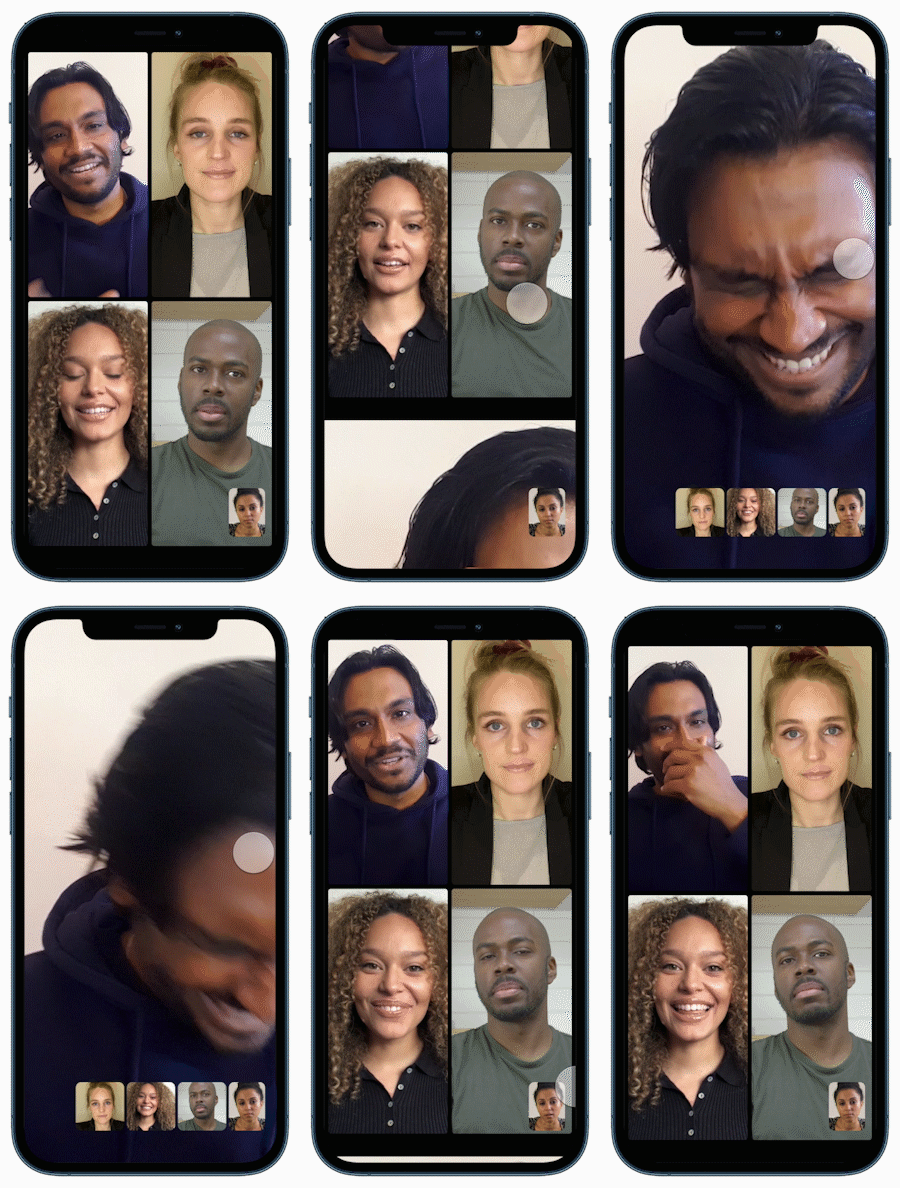
Like all Signal messages, group video calls are private too. You will be prompted to grant the Camera and Microphone permissions the first time you make or receive a Signal call.
- Group call requirements
- Start an encrypted group video call
- Who is in the group call
- Troubleshooting calling
- Each participant is using the latest version of Signal.
- Each participant is a member of the same Signal Group chat.
- The group call size limit is 75.
Here's how to start an encrypted group video call:
- Open the group chat.
- Tap
 video call.
- Select the green Start Call or Join Call button.
- Optional: For small groups of up to 16 people, you can choose to send a ringing notification.
- A notification will be sent to other members of the group. An alert will appear in the group chat history.
Who is in the group call
During a group call, tap  the group icon to view the list.
Why can't I start or join a group call?
Check the requirements listed above.
Having issues with calling? Follow these troubleshooting steps.
Read more about other features: Screen Sharing, Calling options