
If Signal is blocked in your country, use a proxy to get started with and continue using Signal. All traffic remains opaque to the proxy operator.
- 如何找到代理地址?
- 如果代理被屏蔽,将发生什么?
- Follow steps to connect and manage to a proxy on the platform here:
How can I find a proxy address?
注意:建议尽可能私下分享代理地址。
- Search Twitter, etc. for proxy links using the #IRanASignalProxy hashtag.
- 从亲朋好友获取链接或扫描二维码。
- Set one up yourself using a server with ports 80 and 443 available and a domain name (or subdomain) that points to the server’s IP address. Follow steps from the blog post here or GitHub here.
What happens if my proxy is blocked?
将出现提示,指出代理已断开并且无法收发 Signal 消息。请参考上述步骤,更改代理,使用可正常连接的地址。只要世上还有服务器,人们可以运行的 Signal TLS 代理数量是没有限制的。
Android
 |
 |
Manage Automatically
- Update to Signal Android v5.50.4 or later.
- 点击链接或从任何其他应用扫描二维码,应用可自动配置代理支持。
Manage Manually
- Update to Signal Android v5.50.4 or later.
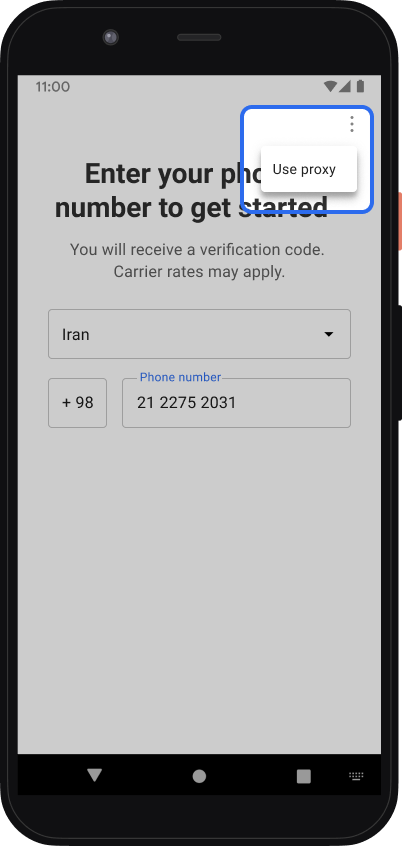
- If you just installed Signal, tap Menu > Use proxy, enter the proxy address
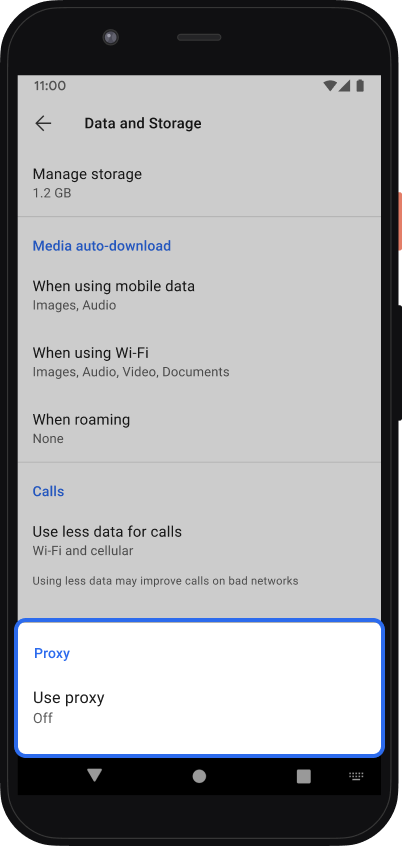
- If you have already registered Signal, tap Signal Settings
 > Data and Storage > Use proxy
How do I know if I am connected to a proxy?
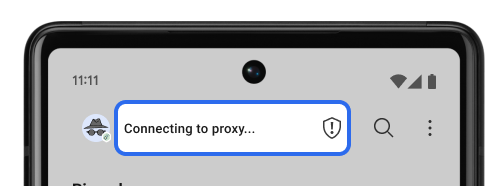 |
已接通
|
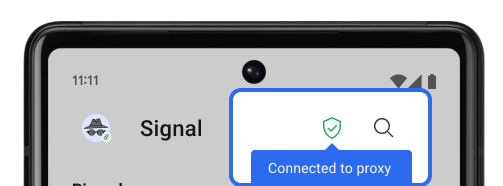 |
连接中
|
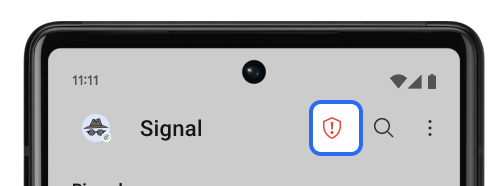 |
已断开连接
|



iOS
Manage Automatically
- Update to Signal iOS v5.55.0 or later.
- The app can automatically configure proxy support when you tap on a link.
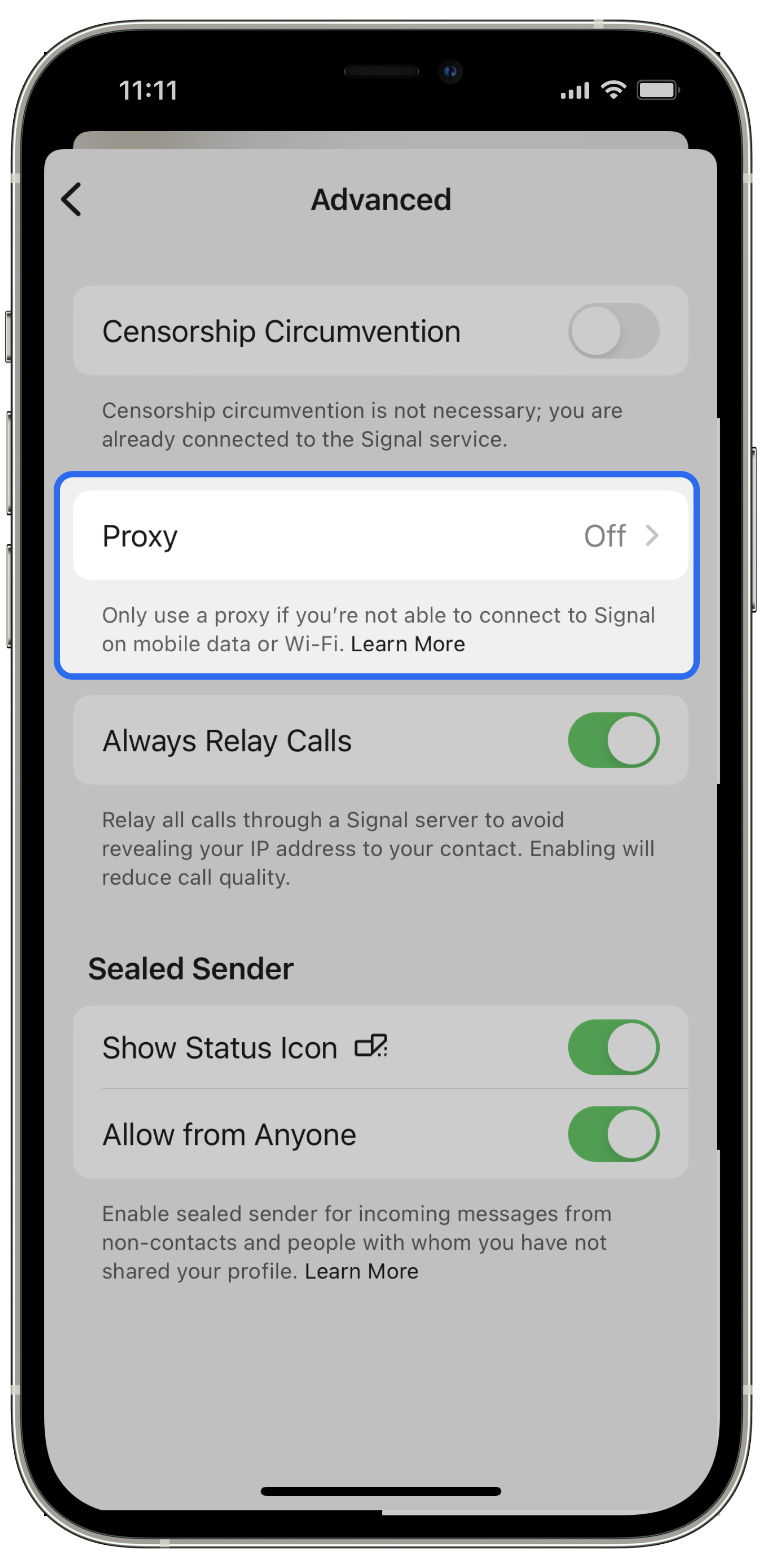
Manage Manually
- Update to Signal iOS v5.55.0 or later.
- If you have already registered Signal, go to Signal Settings > Privacy > Advanced > Proxy
How do I know if I am connected to a proxy?
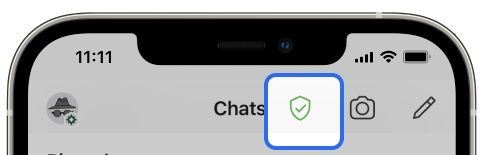 |
已接通
|
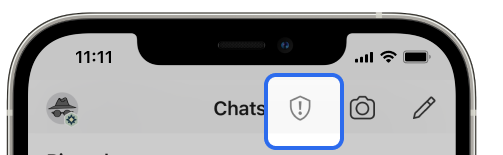 |
连接中
|
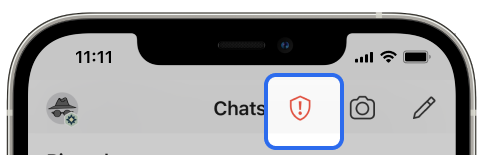 |
已断开连接
|
Desktop
We are exploring some options that may allow us to bypass censorship. The technique used for your phone is currently not possible, but we hope that will change.