
If Signal is blocked in your country, use a proxy to get started with and continue using Signal. All traffic remains opaque to the proxy operator.
- How can I find a proxy address?
- What happens if my proxy is blocked?
- Follow steps to connect to a proxy on the platform here:
How can I find a proxy address?
Note: We recommend that people share these addresses privately whenever possible.
- Search Twitter, etc. for proxy links using the #SignalProxy hashtag.
- Get a link or scan a QR code from your friends and family.
- Set one up yourself using a server with ports 80 and 443 available and a domain name (or subdomain) that points to the server’s IP address. Follow steps from GitHub here.
What happens if my proxy is blocked?
There will be indicators that the proxy is disconnected and you will be unable to send or receive signal communication. Follow steps above to change your proxy address to one that is not blocked. As long as there are servers in the world, there is no limit to the number of Signal TLS Proxies that people can run.
Android
 |
 |
Connect Automatically
- Update to the latest version of Signal.
- The app can automatically configure proxy support when you tap on a link or scan the QR code from any other app.
Connect Manually
- Update to the latest version of Signal.
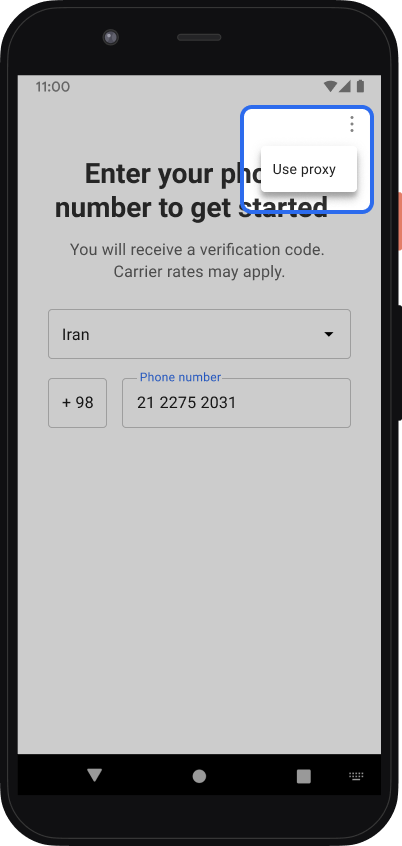
- If you just installed Signal, tap Menu > Use proxy, enter the proxy address
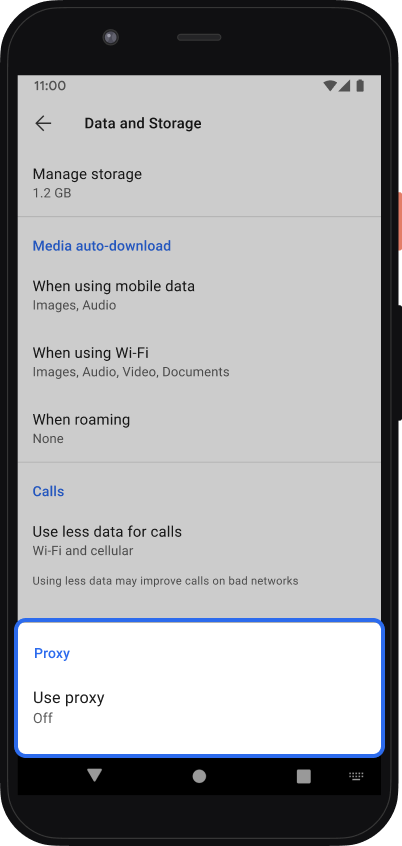
- If you have already registered Signal, tap Signal Settings
 > Data and Storage > Use proxy
How do I know if I am connected to a proxy?
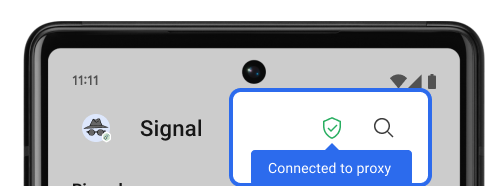 |
Connected
|
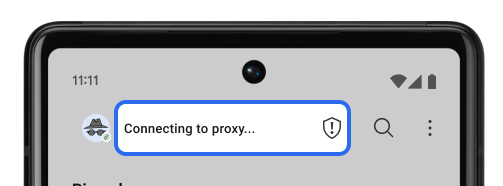 |
Connecting
|
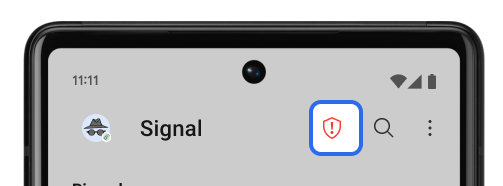 |
Disconnected
|



iOS
Connect Automatically
- Update to the latest version of Signal.
- The app can automatically configure proxy support when you tap on a link.
Connect Manually
- Update to the latest version of Signal.
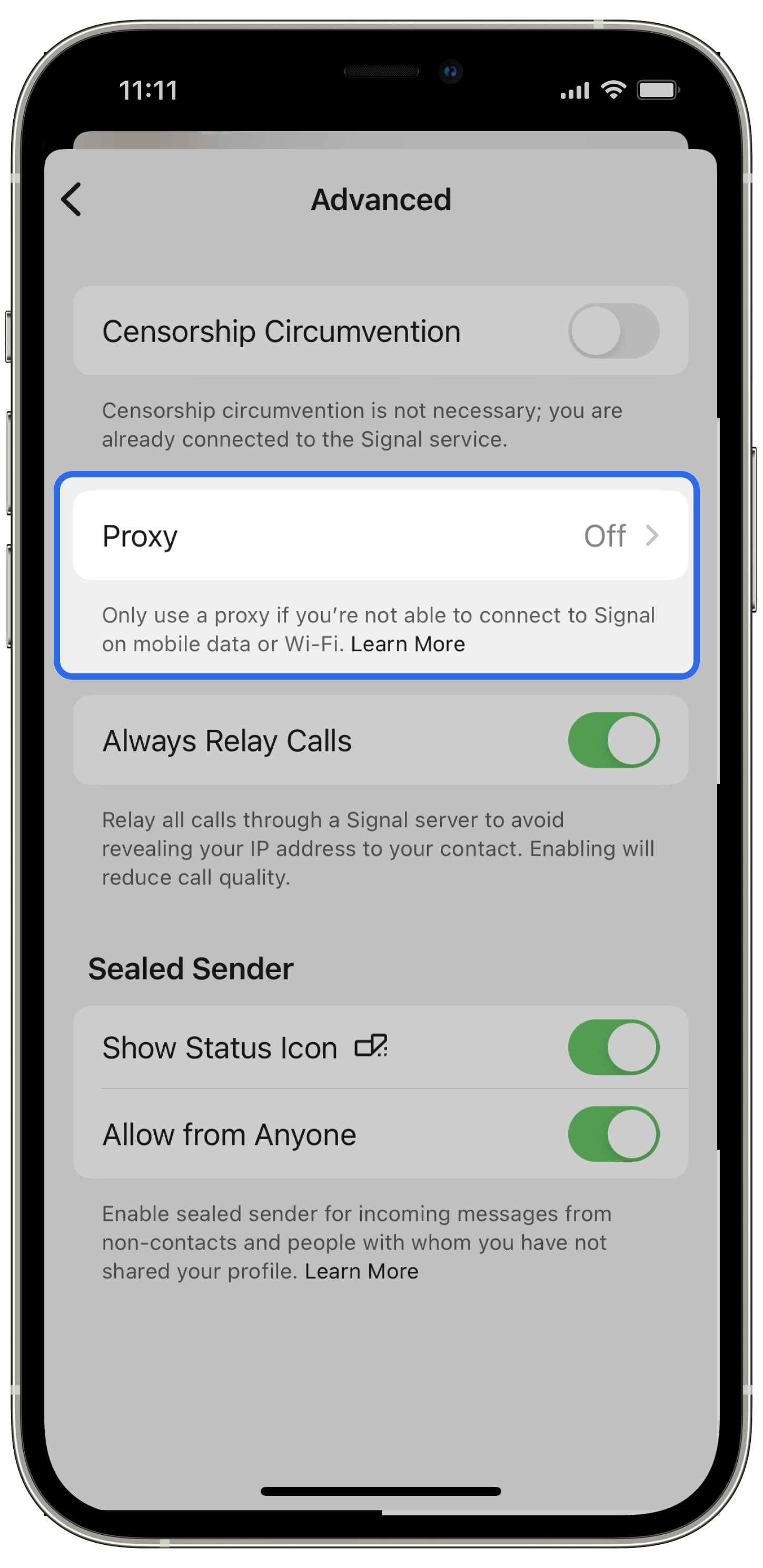
- If you have already registered Signal, go to Signal Settings > Privacy > Advanced > Proxy
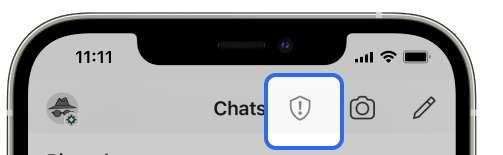
How do I know if I am connected to a proxy?
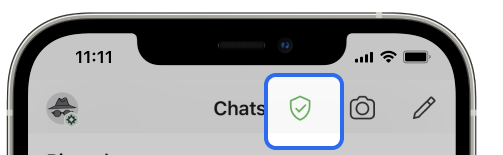 |
Connected
|
 |
Connecting
|
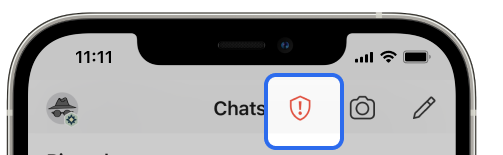 |
Disconnected
|
Desktop
We are exploring some options that may allow us to bypass censorship. The technique used for your phone is currently not possible, but we hope that will change.