Any member can choose to leave the group.
Admins are a feature of a New Group . A group admin can remove another member or create new admins. An admin may need to assign a new admin before they can leave the group.
Here's how to leave a group chat:
See also:
Signal Android users have three group types. Follow instructions for your group type:
Signal New Group
Only Admins can remove other members.
Any member can choose to leave the group.
Open the group chat and tap the group name.
View the group member list and confirm Admin is indicated next to You . Non-admins can not remove members.
If you are an admin, tap on the member name.
Scroll to select Remove from group and select Remove .
You can choose Leave group to remove yourself from the group.
Signal Legacy Group
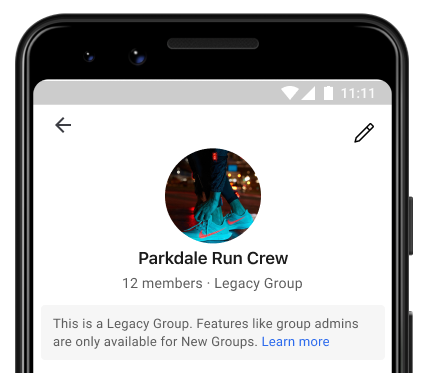
Once a member is added only they can choose to leave the group.
View the group chat on your phone.
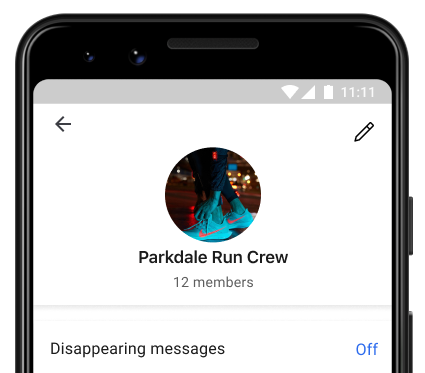
Tap the group name or header to view chat settings.
Choose Leave group .
Select Yes to confirm leaving the group.
Signal iOS users have two group types. Follow instructions for your group type:
New Group
Open the group chat and tap the group name.
View the group member list and confirm Admin is indicated next to You . Non-admins can not remove members.
If you are an admin, tap on the member name.
Scroll to select Remove From Group and select Remove .
You can choose Leave group to remove yourself from the group.
Legacy Group
View the group chat on your phone.
Tap the group name or header to view chat settings.
Choose Leave Group .
Tap Leave to confirm leaving the group.
Signal Desktop users have two group types. Follow instructions for your group type
New Group
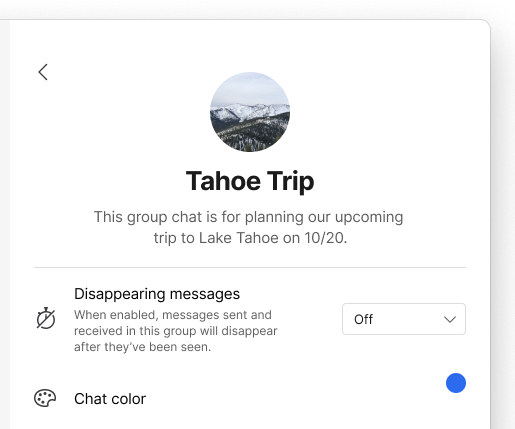
Open the group chat and go to chat settings > Group settings
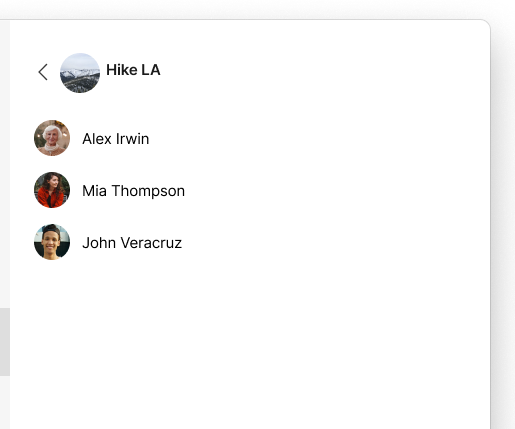
View the group member list and confirm Admin is indicated next to You . Non-admins can not remove members.
If you are an admin, select a member name.
Select Remove From Group .
You can choose Leave group to remove yourself from the group.
Legacy Group
Follow steps for your phone as listed above

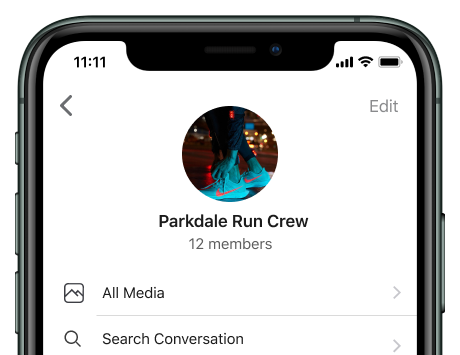
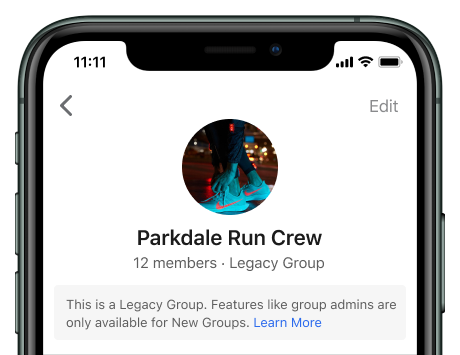
 Leave Group.